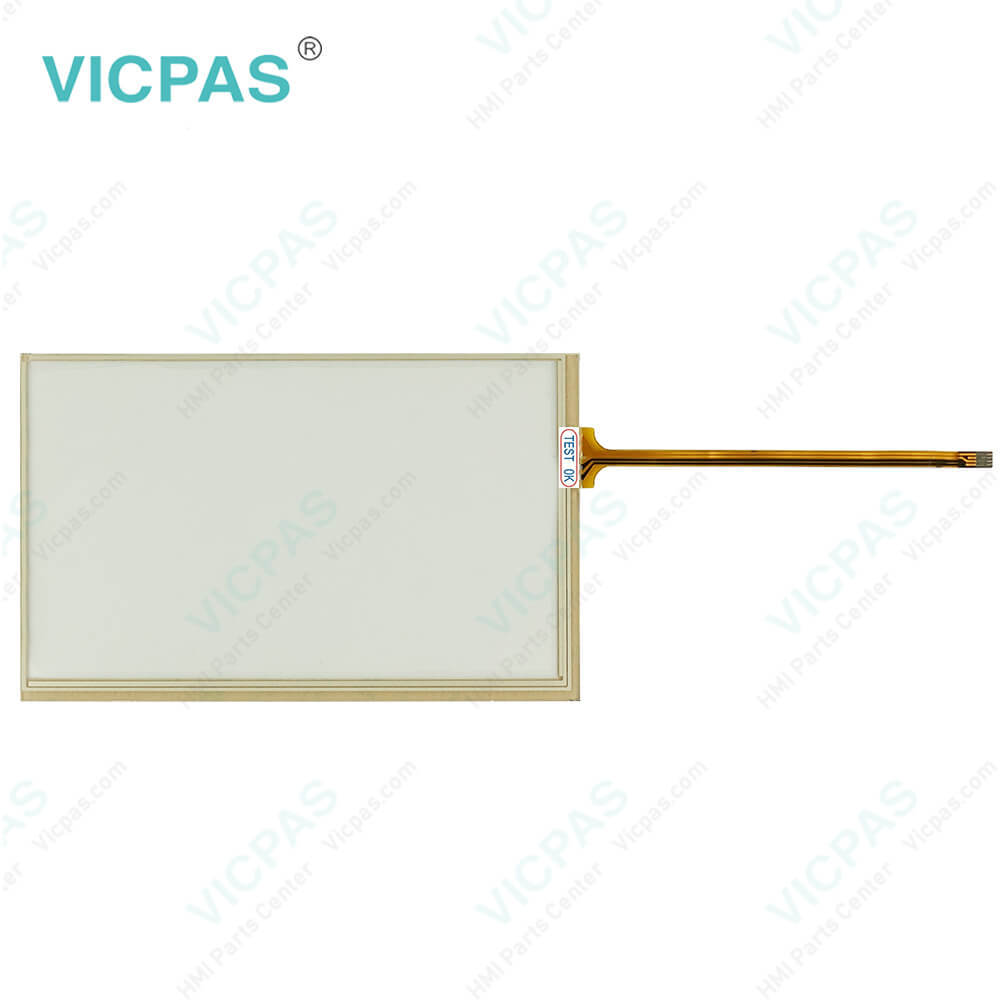


CP6442-0000-0030 CP6442-0001-0030 Operator Panel Keypad Touch Screen Tablet
group nameCP64XX CP66XX
-
Min Order1 piece
brand nameVICPAS
modelCP6442-0000-0030 CP6442-0001-0030
payment methodWestern Union, T/T, PayPal, Credit Card
-
update timeMon, 07 Sep 2026 10:36:46 GMT
Paramtents
Product Line CP64XX CP66XX
Environment Free From Corrosive Gases
LCD Type TFT
Shipping Time 3-5 Days
Supply Parts Terminal Keypad Touch Screen Film
Light Transmission Above 75%
Packging & Delivery
Min Order1 piece
Briefing
Detailed
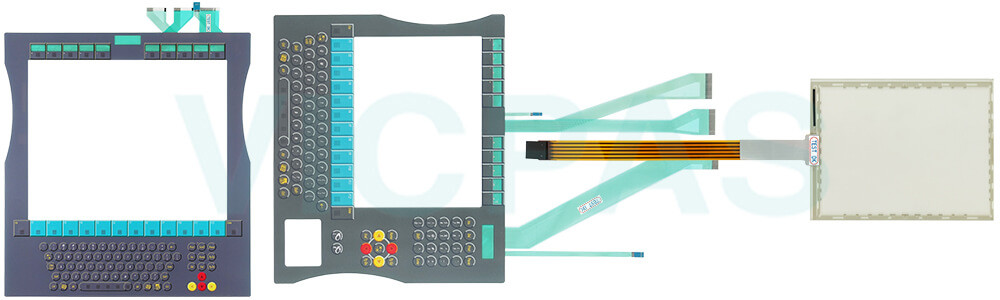
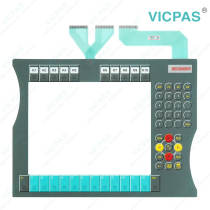
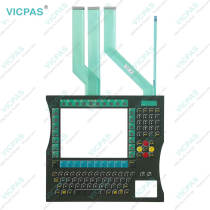
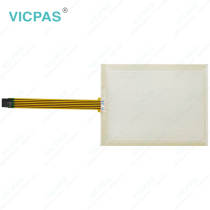
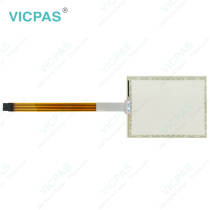
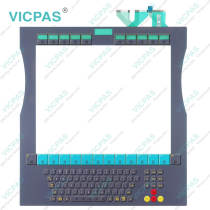
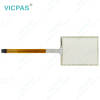
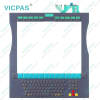
Beckhoff CP6442-0000-0030 CP6442-0001-0030 Terminal Keypad Touch Screen Panel Replacement
Order each part separately is available
Fundamental safety instructions
• Do not use Beckhoff HMI CP6442-0000-0030 CP6442-0001-0030 Touch Screen Film Membrane Switch under extreme environmental conditions.
• Only use the device in hazardous areas if it is explicitly designed for this purpose.
• Do not carry out any work on the device while it is live. Always switch off the supply voltage for the device before mounting/replacing CP6442-0000-0030 CP6442-0001-0030 Operator Keyboard HMI Touch Glass or rectifying malfunctions.
• Never plug or unplug connectors during thunderstorms. There is a risk of electric shock.
• Ensure that CP6442-0000-0030 CP6442-0001-0030 Touch Digitizer Membrane Keypad has a protective and functional earth connection.
•In the case of a 24 V DC power supply unit, fuse the power supply line according to its cross-section to protect the supply line in the event of a short circuit.
• Ensure that only trained specialists with a control and automation engineering background, operate the device or replace Beckhoff Touch Panel CP6442-0000-0030 CP6442-0001-0030 Membrane Switch Touchscreen. Use by unauthorized persons can lead to damage to property and loss of data.
• In case of fire, extinguish the device with powder or nitrogen.
• If you change Beckhoff HMI Keyboard CP6442-0000-0030 CP6442-0001-0030 Touch Membrane Terminal Keypad and software configurations, you must keep within the specified limits of power consumption and power loss.
Specifications:
The table below describes the parameters of Beckhoff CP6442-0000-0030 CP6442-0001-0030 HMI Touch Glass Keypad Membrane.
| Storage Temperature: | -25 °C ... +65 °C |
| Operating Temperature: | 0 °C ... +55 °C |
| LCD Type: | TFT |
| Light Transmission: | Above 75% |
| Environment: | Free From Corrosive Gases |
| Product Line: | CP64XX CP66XX |
| Brand: | Vicpas |
| Cooling Method: | Natural Air Cooling |
| Relative Humidity: | 95% |
| Warranty: | 365 Days |
Related Beckhoff Part No. :
| Beckhoff HMI | Description | Inventory status |
| CP6433-0000-0030 | Beckhoff CP64XX Operator Keyboard Touch Screen Tablet Replacement | In Stock |
| CP6433-0001-0030 | Beckhoff CP64XX Terminal Keypad Touch Screen Glass Repair | Available Now |
| CP6433-0002-0030 | Beckhoff CP64XX Touch Screen Panel Membrane Keypad Replacement | In Stock |
| CP6442-0000-0030 | Beckhoff CP64XX Switch Membrane Touch Digitizer Glass Repair | Available Now |
| CP6442-0001-0030 | Beckhoff CP64XX Touch Screen Monitor Membrane Keyboard Replacement | In Stock |
| CP6600-0001-0020 | Beckhoff CP66XX Touch Screen Tablet Repair | Available Now |
| CP6601-0000-0020 | Beckhoff CP66XX Touchscreen Replacement | In Stock |
| CP6601-0001-0020 | Beckhoff CP66XX Touch Digitizer Glass Repair | Available Now |
| CP6601-0020-0000 | Beckhoff CP66XX Touch Screen Film Operator Keyboard Replacement | In Stock |
| CP6601-0020-0020 | Beckhoff CP66XX Touch Screen Glass Repair | Available Now |
| CP6601-0021-0000 | Beckhoff CP66XX HMI Touch Glass Operator Keyboard Replacement | In Stock |
| CP6601-0021-0020 | Beckhoff CP66XX Touch Screen Film Repair | Available Now |
| CP6611-0000-0000 | Beckhoff CP66XX Touch Screen Tablet Terminal Keypad Replacement | In Stock |
| CP6611-0001-0000 | Beckhoff CP66XX Switch Membrane Keypad Touch Screen Film Repair | Available Now |
| Beckhoff HMI | Description | Inventory status |
Beckhoff CP64XX CP66XX Manuals PDF Download:
FAQ:
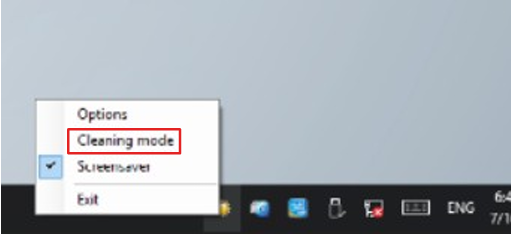
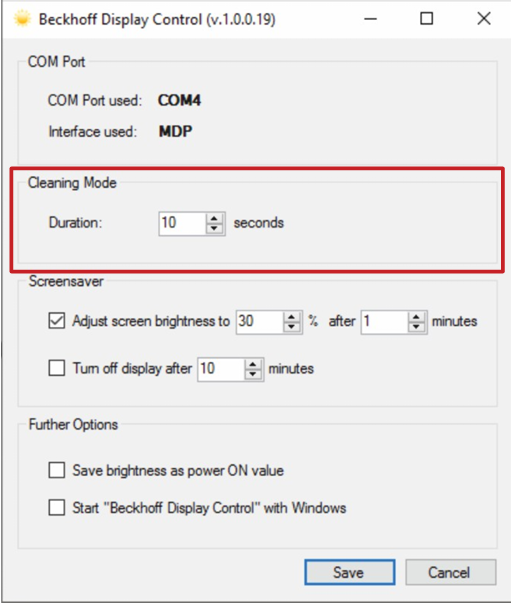
Question: If I want to clean the front panel, how can I set the device to "Cleaning Mode"?
Answer:
Question: Which cleaning agents or tools should I avoid when cleaning CP6442-0000-0030 CP6442-0001-0030 Membrane Keyboard Touch Screen Tablet?
Answer: Avoid detergents with scouring or abrasive components, metal cleaning objects like razor blades or steel spatulas, steam jet cleaners or very hot water, cold water on a heated device, and high-pressure water (e.g., high-pressure cleaners).
Common misspellings:
CP6442-000-0030CP64422-0000-0030
CP6442-0000-0020
CP6442-0002-0030
CP64421-0001-0030
CP6442-0001-0010
CP6424-0001-0030
CP6442-0001-0003
You need a product
You May Like
- Nearest port for product export
- Guangzhou, Hongknog, Shenzhen, Taiwan
- Delivery clauses under the trade mode
- FOB, CFR, CIF, EXW, FAS, CIP, FCA, CPT, DEQ, DDP, DDU, Express Delivery, DAF, DES
- Acceptable payment methods
- T/T, L/C, D/P D/A, MoneyGram, Credit Card, PayPal, Westem Union, Cash, Escrow