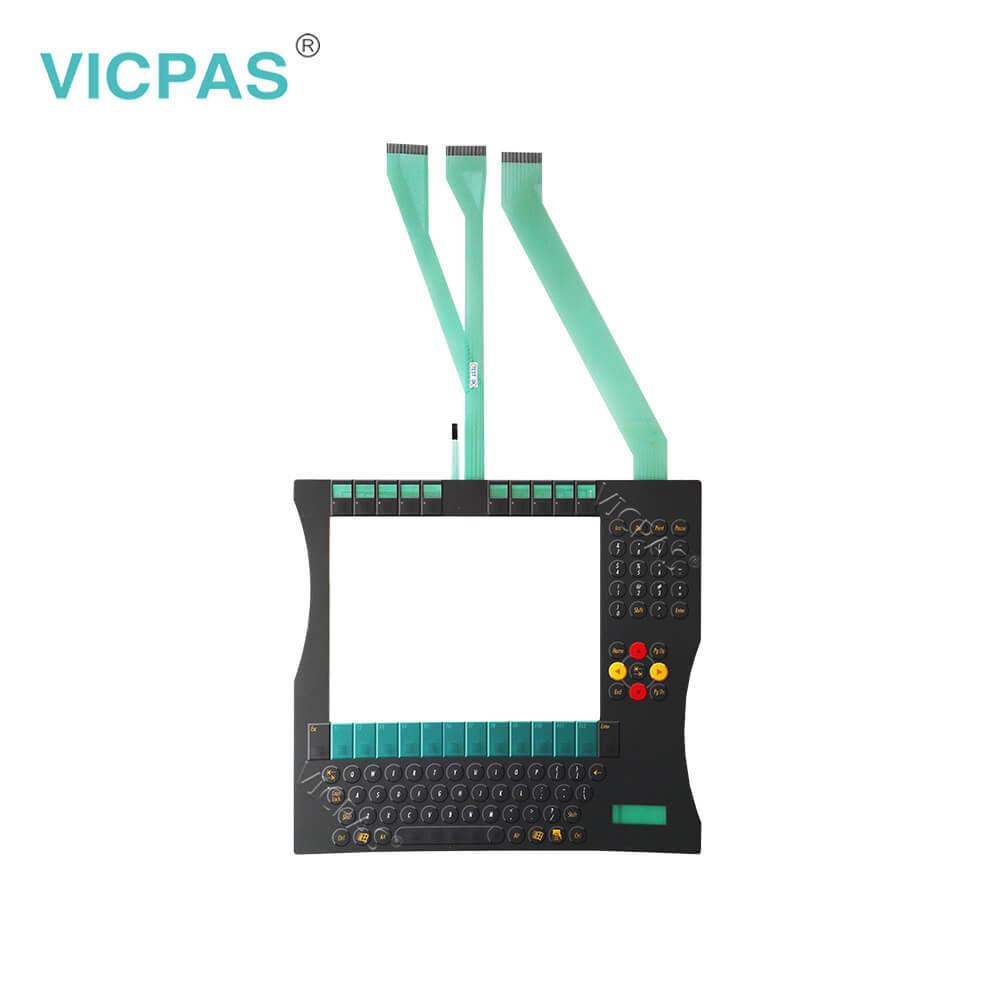


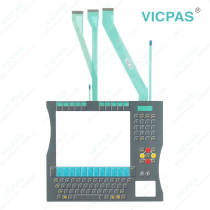
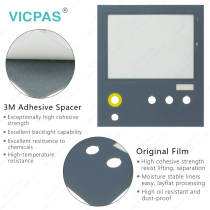
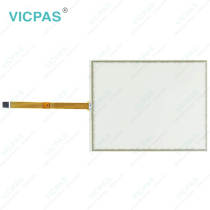
CP7931-1100-0000 LCD Screen Operator Panel Keypad Repair
group nameCP78XX CP79XX
-
Min Order1 piece
brand nameVICPAS
modelCP7931-1100-0000
payment methodWestern Union, MoneyGram, T/T, Paypal, PayPal, Credit Card
-
update timeSat, 29 Aug 2026 07:33:56 GMT
Paramtents
Product Line CP78XX CP79XX
LCD Type TFT
Shipping Time 3-5 Days
Supply Parts LCD Display Keyboard Membrane
Environment Free From Corrosive Gases
Warranty 1 Year
Packging & Delivery
Min Order1 piece
Briefing
Detailed
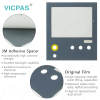
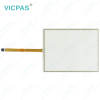
Beckhoff CP7931-1100-0000 Operator Keyboard LCD Panel Replacement
Order each part separately is available
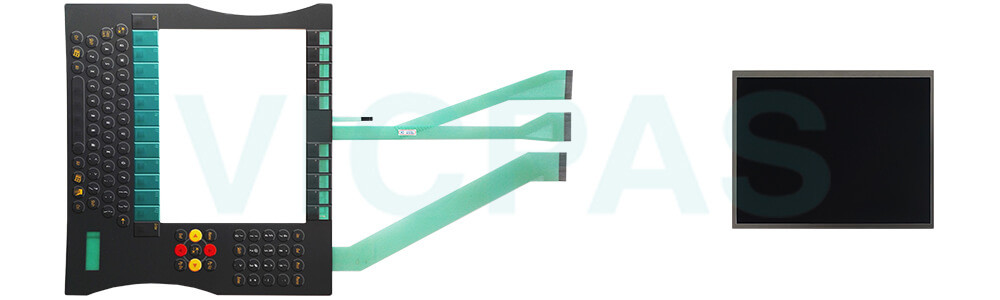
Use of spare parts
Sourcing spare parts from VICPAS ensures longer device life and minimizes the risk of robot downtime. Beckhoff HMI Keyboard CP7931-1100-0000 LCD Screen Membrane Keyboard from VICPAS are manufactured from components of the highest quality and robustness. They are selected and tested for best interoperability, long-term availability and reliable function under the specified environmental conditions.
Nevertheless, CP7931-1100-0000 Keypad Membrane LCD Panel of the devices may be subject to a limited service life if they are operated under certain conditions, such as at increased ambient temperatures during operation or during storage or during long periods of storage out of operation. Therefore recommends replacing some of the components of the devices after the time after which predictions of the remaining service life of such components can no longer be reliably calculated. VICPAS provides high-quality CP7931-1100-0000 LCD Display Operator Panel Keypad, featuring a 1-year warranty, global delivery, and attentive technical support.
VICPAS is not liable for any potential damage that may occur during replacement or maintenance work. If you encounter any issues while replacing Beckhoff HMI CP7931-1100-0000 Switch Membrane LCD Panel, please feel free to contact VICPAS for assistance.
Specifications:
The table below describes the parameters of Beckhoff CP7931-1100-0000 LCD Screen Terminal Keypad.
| Warranty: | 365 Days |
| Shipping Time: | 3-5 Days |
| LCD Type: | TFT |
| Storage Temperature: | -25 °C ... +65 °C |
| Operating Temperature: | 0 °C ... +55 °C |
| Relative Humidity: | 95% |
| Environment: | Free From Corrosive Gases |
| Cooling Method: | Natural Air Cooling |
| Product Line: | CP78XX CP79XX |
| Brand: | Vicpas |
Related Beckhoff Part No. :
| Beckhoff HMI | Description | Inventory status |
| CP7922-0002-0000 | Beckhoff CP79XX Touch Screen Panel Membrane Keypad Replacement | In Stock |
| CP7923-0001-0000 | Beckhoff CP79XX Membrane Switch Touch Screen Glass Repair | Available Now |
| CP7923-0002-0000 | Beckhoff CP79XX Touch Screen Film Operator Keyboard Replacement | In Stock |
| CP7923-0002-0010 | Beckhoff CP79XX Operator Panel Keypad Touch Digitizer Glass Repair | Available Now |
| CP7931-0001-0000 | Beckhoff CP79XX LCD Panel Touchscreen Terminal Keypad Replacement |
In Stock |
| CP7931-1100-0000 | Beckhoff CP79XX Keyboard Membrane LCD Screen Repair | Available Now |
| CP7931-1103-C2 | Beckhoff CP79XX LCD Display Switch Membrane Replacement | In Stock |
| CP7931-1104-0000 | Beckhoff CP79XX Membrane Keypad Touch Screen Tablet Repair | Available Now |
| CP7932-0000-0000 | Beckhoff CP79XX Touch Screen Glass Keypad Membrane Replacement | In Stock |
| CP7932-0002-0000 | Beckhoff CP79XX Membrane Keyboard Touch Screen Display Repair | Available Now |
| CP7933-0000-0000 | Beckhoff CP79XX Touch Screen Film Terminal Keypad Replacement | In Stock |
| CP7933-0000-0010 | Beckhoff CP79XX Operator Panel Keypad HMI Touch Glass Repair | Available Now |
| CP7933-0001-0010 | Beckhoff CP79XX Touch Screen Panel Keypad Membrane Replacement | In Stock |
| CP7933-0002-0000 | Beckhoff CP79XX Operator Keyboard Touch Screen Display Repair | Available Now |
| CP7933-0002-0010 | Beckhoff CP79XX Touch Digitizer Glass Operator Keyboard Replacement | In Stock |
| Beckhoff HMI | Description | Inventory status |
Beckhoff CP78XX CP79XX Manuals PDF Download:
FAQ:
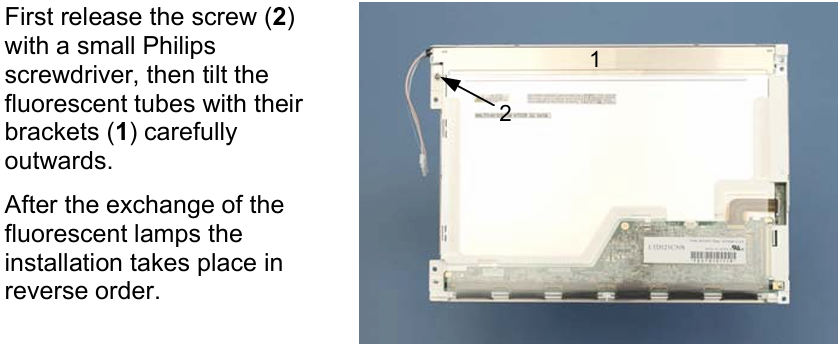
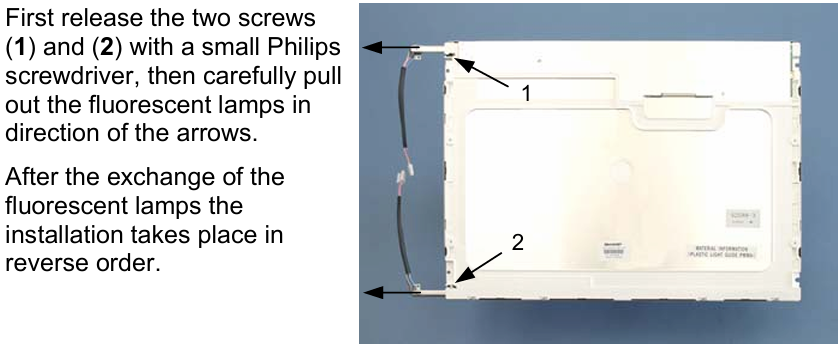
Question: How to replace Beckhoff CP7931-1100-0000 fluorescent lamps in the display?
Answer:
Question: What is the correct way to clean CP7931-1100-0000 Control Panel?
Answer: Switch off the Industrial PC and all connected devices in order to prevent inadvertent operation of keys. The front of the Control Panel can be cleaned with a soft, damp cleaning cloth. Do not use any aggressive cleaning materials, thinners, scouring material or hard objects that could cause scratches.
Common misspellings:
CP791-1100-0000CP7931-1103-0000
CP7931-1100-0001
CP7931-110-0000
CP7931-1100-0300
You need a product

You May Like

- Nearest port for product export
- Guangzhou, Hongknog, Shenzhen, Taiwan
- Delivery clauses under the trade mode
- FOB, CFR, CIF, EXW, FAS, CIP, FCA, CPT, DEQ, DDP, DDU, Express Delivery, DAF, DES
- Acceptable payment methods
- T/T, L/C, D/P D/A, MoneyGram, Credit Card, PayPal, Westem Union, Cash, Escrow