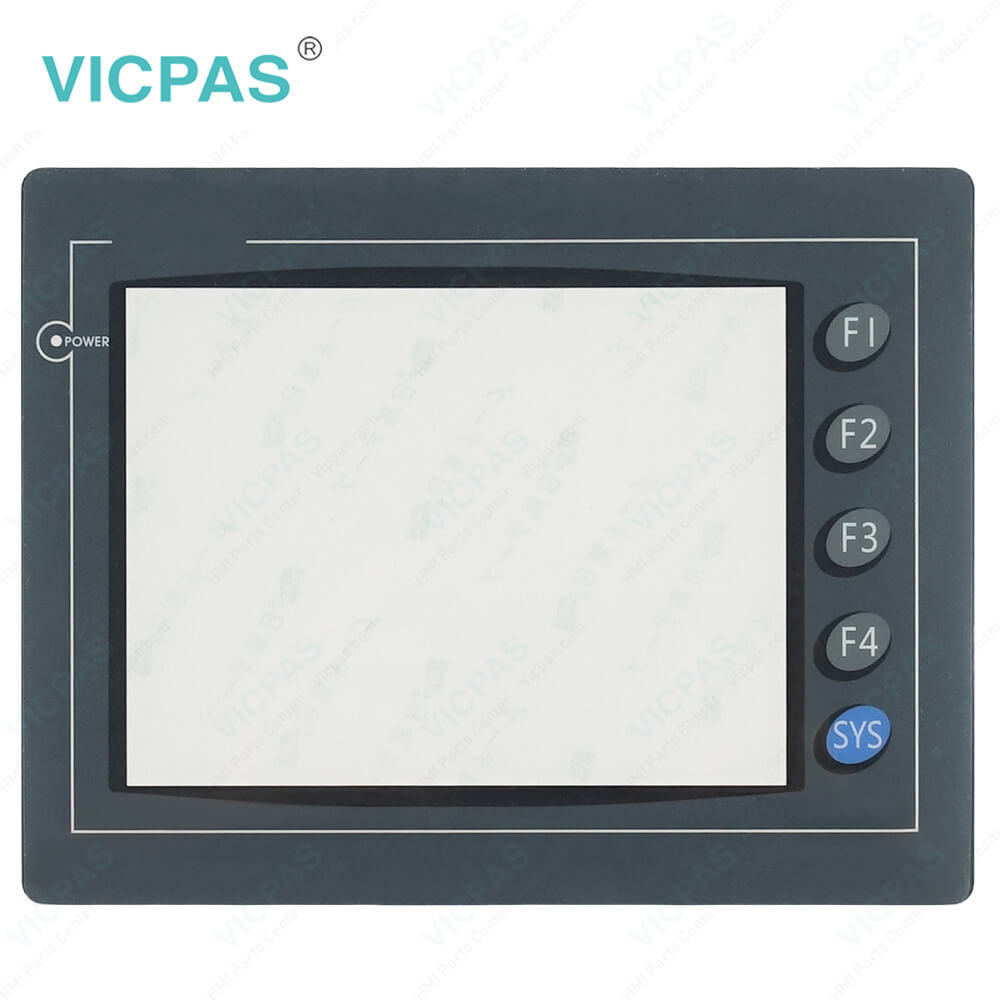


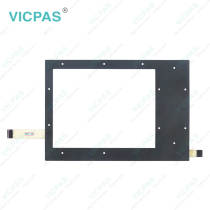
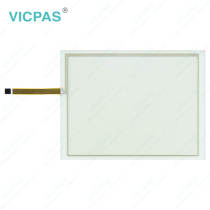
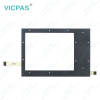
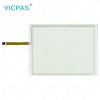
HMI06BE HMI06GE HMI06CE Touch Screen Monitor Protective Film Repair
group nameCutler-Hammer Panelmate
-
Min Order1 piece
brand nameVICPAS
modelHMI06BE HMI06GE HMI06CE
payment methodWestern Union, MoneyGram, T/T, Paypal, PayPal, Credit Card
-
update timeThu, 03 Sep 2026 01:42:37 GMT
Paramtents
Product Line Cutler-Hammer Panelmate
Warranty 1 Year
Shipping Time 3-5 Days
Supply Parts Front Overlay Touch Screen Panel
Environment Free From Corrosive Gases
LCD Size 6''
Packging & Delivery
Min Order1 piece
Briefing
Detailed
Eaton HMI06BE HMI06GE HMI06CE Touch Screen Display Front Overlay Replacement
Order each part separately is available
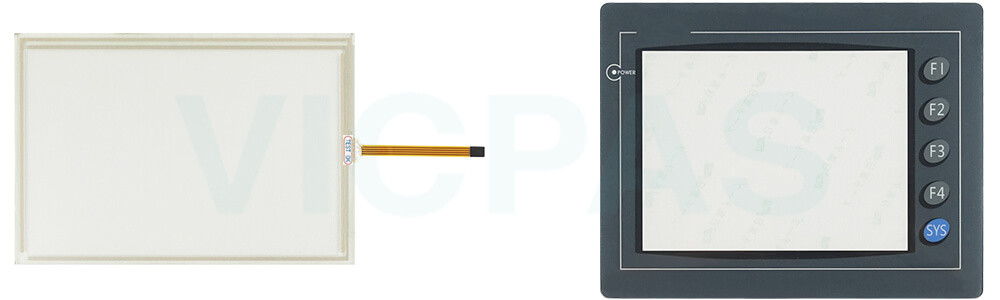
After purchasing Cutler Hammer Panels HMI06BE HMI06GE HMI06CE Front Overlay Touch Membrane from Vicpas, the damaged component must be removed before installing the new one. During the replacement process, please handle all small parts and packaging materials with care to prevent any electrically conductive materials (such as nuts, washers, or metal filings) from entering the unit through openings in the card cage, as this may cause damage to the processor board. If the newly installed Eaton Panelmate HMI06BE HMI06GE HMI06CE Touch Screen Glass Protective Film does not function properly, we recommend contacting Vicpas first to confirm whether the issue is related to the touchscreen. If the touchscreen is not the cause, the problem may be due to internal damage within the device, in which case the unit should be inspected and serviced by qualified professionals. Vicpas offers high-quality Eaton Cutler Hammer HMI06BE HMI06GE HMI06CE Front Overlay Touch Screen Panel, with worldwide shipping and a one-year warranty for reliable long-term use.
Specifications:
The table below describes the parameters of Eaton HMI06BE HMI06GE HMI06CE Protective Film Touch Screen Monitor.
| Warranty: | 365 Days |
| Cooling Method: | Natural Air Cooling |
| Shipping Time: | 3-5 Days |
| Size: | 6'' |
| Brand: | Vicpas |
| Product Line: | Cutler-Hammer Panelmate |
| Environment: | Free From Corrosive Gases |
| Operating Temperature: | 0 °C ... +50 °C |
| Relative Humidity: | 95% |
| Storage Temperature: | -20 °C ... +60 °C |
Related Eaton Cutler-Hammer Panelmate Part No. :
| Cutler-Hammer Panelmate HMI | Description | Inventory status |
| Eaton-Cutler Hammer 7585DT-12 | Eaton Cutler-Hammer Panelmate Touch Panel Replacement | In Stock |
| Eaton Cutler Hammer 7585DT-15 | Eaton Cutler-Hammer Panelmate HMI Touch Glass Repair | Available Now |
| Eaton Cutler Hammer 7585DT-17 | Eaton Cutler-Hammer Panelmate Touch Screen Film Replacement | In Stock |
| HMI04CU | Eaton Cutler-Hammer Panelmate Touch Screen Tablet Repair | Available Now |
| HMI04BU | Eaton Cutler-Hammer Panelmate Touch Digitizer Replacement | In Stock |
| HMI04GU | Eaton Cutler-Hammer Panelmate Touch Screen Display Repair | Available Now |
| HMI06BE | Eaton Cutler-Hammer Panelmate Touch Screen Monitor Front Overlay Replacement | In Stock |
| HMI06GE | Eaton Cutler-Hammer Panelmate Protective Film Touch Screen Glass Repair | Available Now |
| HMI06CE | Eaton Cutler-Hammer Panelmate Touch Screen Panel Front Overlay Replacement | In Stock |
| HMI06CU | Eaton Cutler-Hammer Panelmate HMI Touch Glass Repair | Available Now |
| HMI08CE | Eaton Cutler-Hammer Panelmate Protective Film Touchscreen Replacement | In Stock |
| HMI10CE | Eaton Cutler-Hammer Panelmate Touch Membrane Front Overlay Repair | Available Now |
| MODICON AEG MM-PMC2-400 91-00992-04 | Panelmate Touch Digitizer Glass Replacement | In Stock |
| MODICON MM-PMC3-000 | Panelmate Touch Screen Tablet Repair | Available Now |
| MODICON MM-PMC2-000 | Panelmate Touch Screen Film Replacement | In Stock |
| Cutler-Hammer Panelmate HMI | Description | Inventory status |
Eaton Cutler-Hammer Panelmate Manuals PDF Download:
FAQ:
Question: What is important when reinstalling the PanelMate unit after replacing HMI06BE HMI06GE HMI06CE Front Overlay Touch Digitizer Glass?
Answer: After replacing a damaged touchscreen or membrane keypad, proper installation is important to ensure reliable sealing and stable operation. When tightening the mounting nuts, avoid both under-tightening and over-tightening. The fasteners should be tightened enough to create a proper seal, but excessive force may strip the threads or damage the gasket. For best installation results, using a torque wrench is recommended when reinstalling the PanelMate unit.
Question: How can I adjust the display contrast on the PanelMate unit?
Answer: Units with grayscale or dual-scan color displays support software-controlled contrast adjustment. To adjust the contrast, place the unit in Run Mode, then go to Get Page → More → Setup Page → Adjust Contrast. Use the Lighter and Darker control buttons to achieve the desired display effect. After adjustment, press Save Setting to keep the new contrast level, or press Cancel to return to the previous setting. The unit will restore the last saved contrast setting after power cycling.
Common misspellings:
HMI006BEHMI0BE
HMI06B1E
HMIO6GE
HMI106GE
HMI06EG
HMI66CE
HMI060CE
HMI0CE
You need a product
You May Like
- Nearest port for product export
- Guangzhou, Hongknog, Shenzhen, Taiwan
- Delivery clauses under the trade mode
- FOB, CFR, CIF, EXW, FAS, CIP, FCA, CPT, DEQ, DDP, DDU, Express Delivery, DAF, DES
- Acceptable payment methods
- T/T, L/C, D/P D/A, MoneyGram, Credit Card, PayPal, Westem Union, Cash, Escrow